DIY
Story by Virginia Beshears
If someone had told me six months ago that I'd be writing about smart home devices, I would have laughed. I was firmly in the camp of "why do I need to talk to my lights?", completely unmoved by the idea.
But... I recently found my smart home sweet spot. My entry point was actually my basil plants. I kept forgetting to turn off their grow lights, which isn't great for herbs that need proper light cycles. A simple smart plug solved this annoying daily problem, and suddenly I was part of team smart home.
Now I have a small collection of smart sensors, light bulbs, and plugs that quietly handle the little things that used to bug me. No robo-house, just set-and-forget solutions that actually make life easier. If you're skeptical about smart homes or not particularly tech-savvy, this guide is for you. Here’s everything I learned setting up my barely-smart home.
Start by choosing your ecosystem
Before you buy a single smart device, you need to pick your team: Google, Amazon, or Apple. This choice determines what hub connects everything, which devices will work together, and what app you'll use to control it all. You're not locked into buying everything from one brand – most third-party devices work with at least one of these ecosystems.
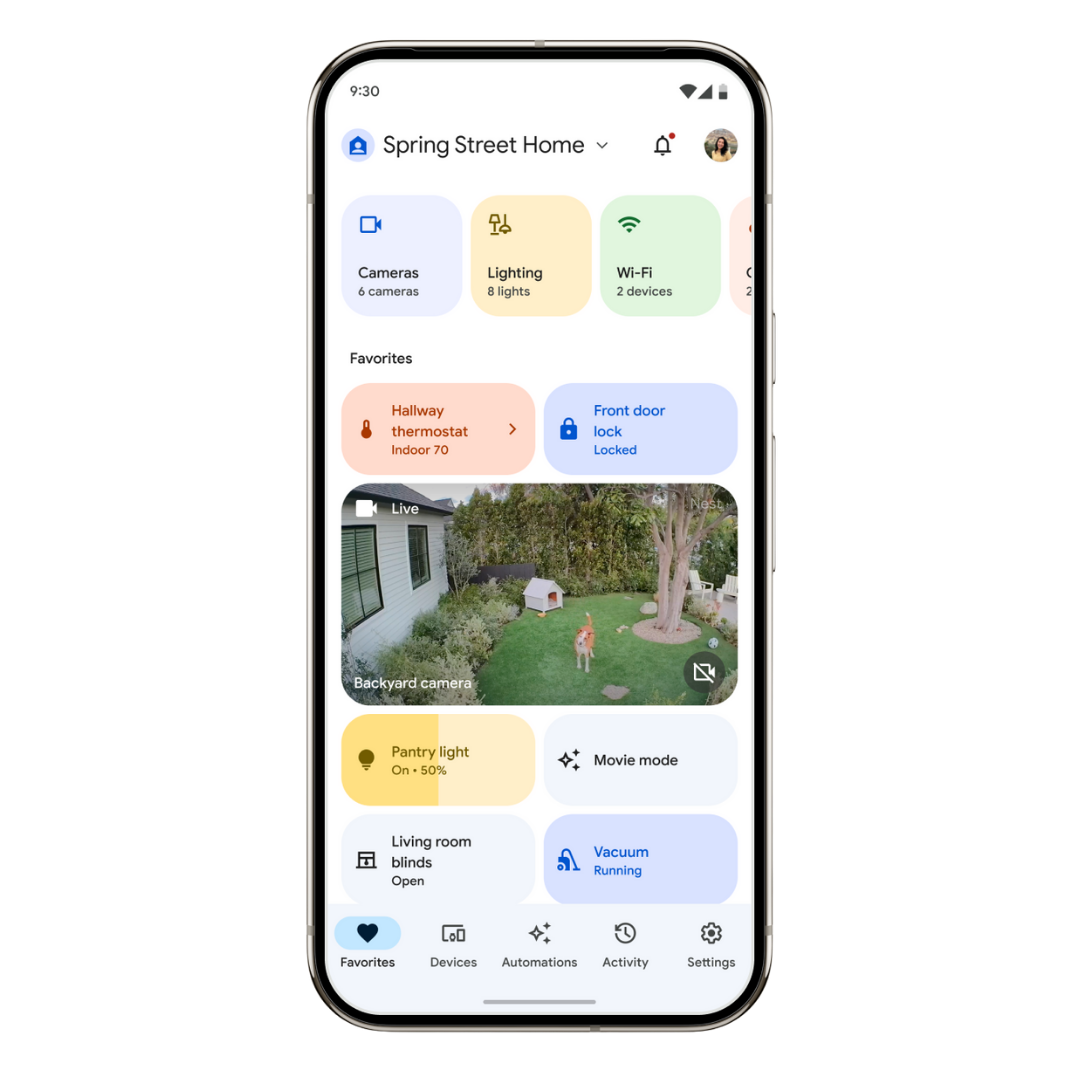
Google Home is your best bet if you want the smartest voice assistant. Google's voice recognition can handle complicated requests and natural/conversational language. That means it's also collecting more user data to make that happen, though, so it’s a tradeoff that comes down to personal preference/what you’re comfortable with.
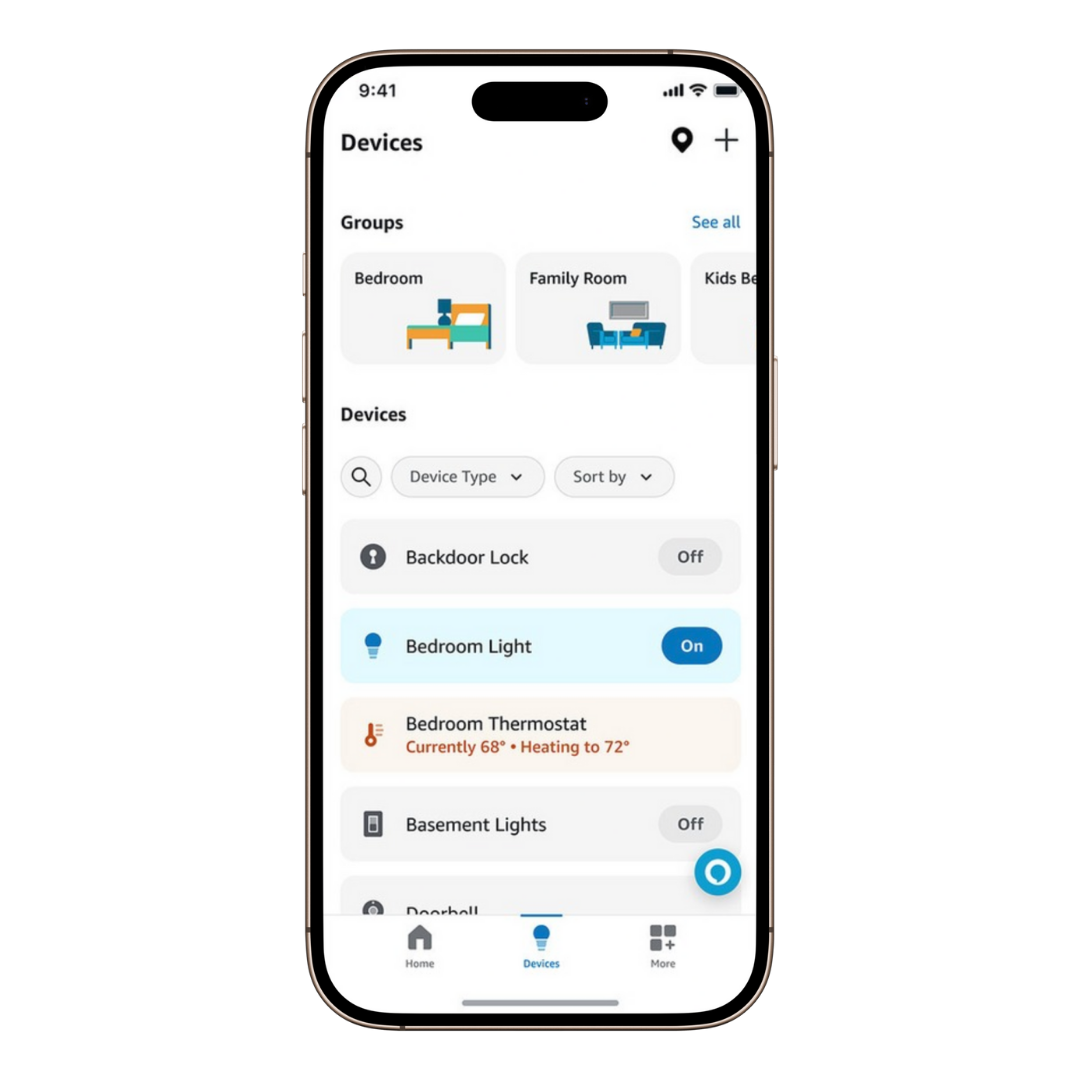
Amazon Alexa has the widest selection of compatible products and the most affordable smart speakers and displays. It’s the most simple out-of-the-box option; you basically set Alexa on your counter and let her do her thing. The tradeoff is fewer options for customization and advanced features, though, and Amazon also has a track record of collecting and using user data to train their voice assistant.
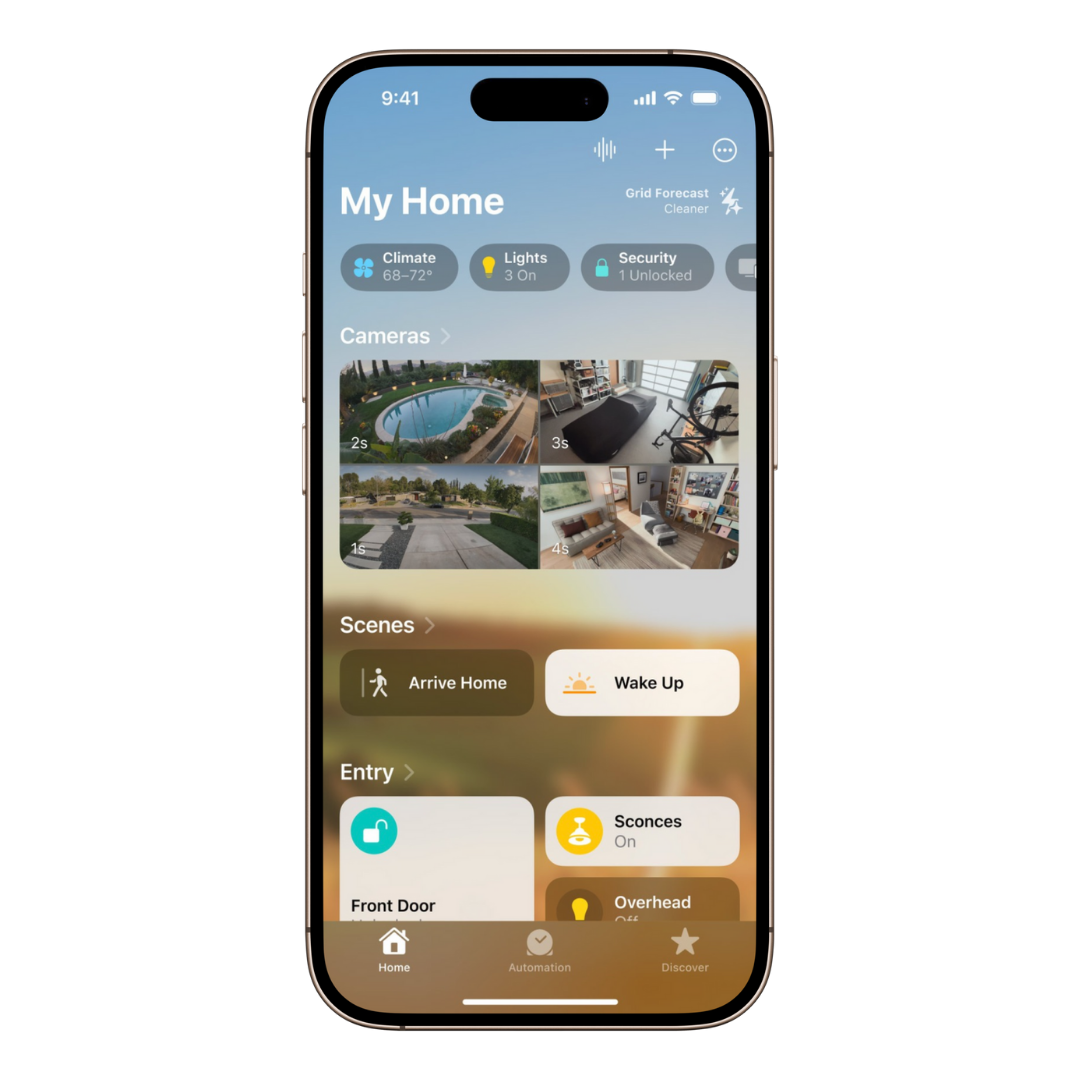
Apple HomeKit has fewer compatible devices, but I think it's still the strongest option for most people. Apple's HomeKit app is well designed and incredibly intuitive. Everything connects easily because Apple is strict about third-party certification, and it’s super seamless if you’re already an Apple user.
Apple's biggest advantage though (and my personal biggest deciding factor), is privacy – HomeKit data stays on your local network or gets end-to-end encrypted before heading to the cloud. Of the three voice assistants, Siri is the weakest specifically because Apple doesn’t collect your voice command data to use for training Siri, which is a tradeoff I’m happy to make. As a smart home skeptic, the idea of the voice assistant listening to me weirded me out, so this made the choice easy for me.
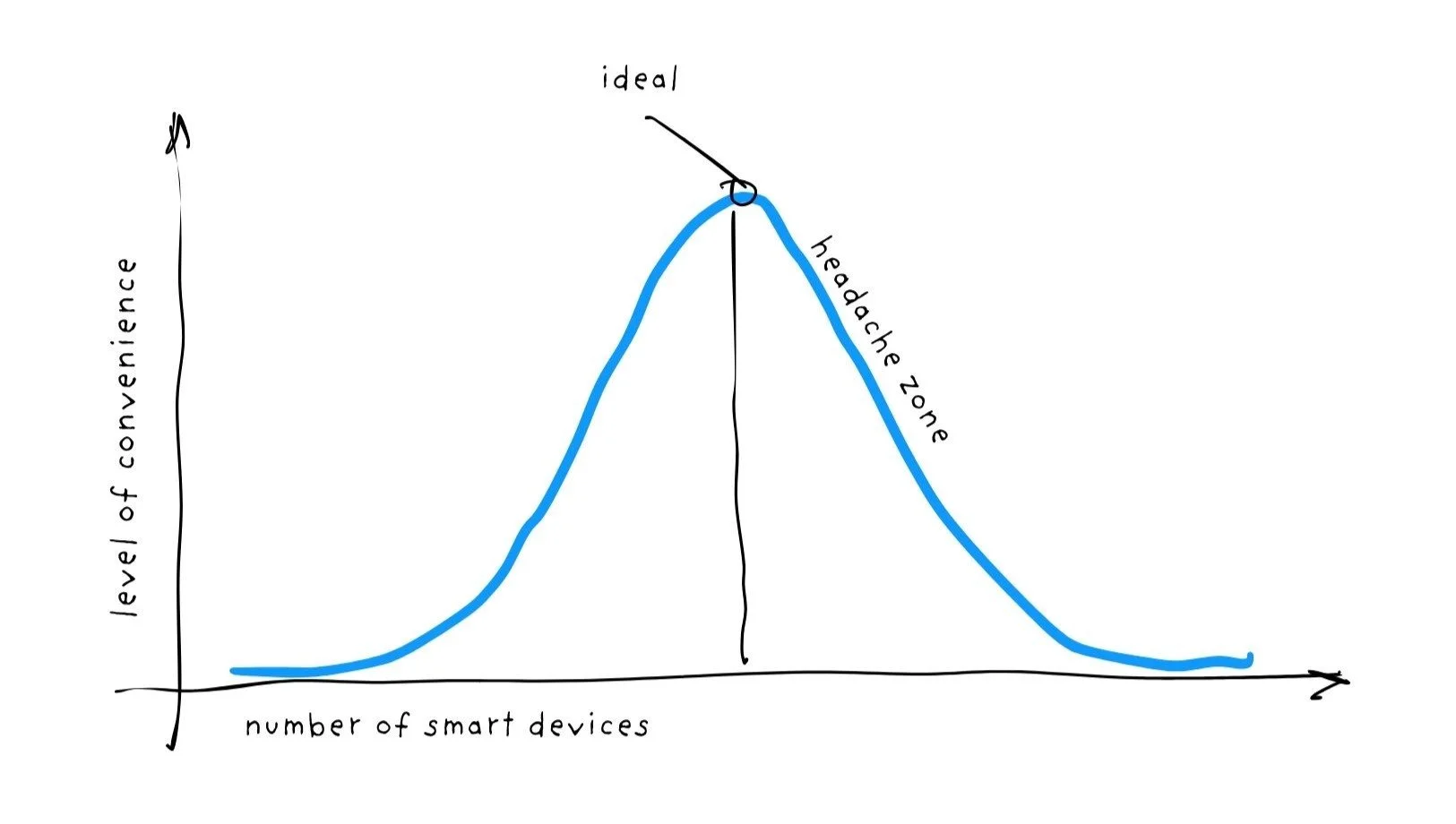
Finding your smart home sweet spot
There's a bell curve to smart home benefits. At first, adding devices makes life more convenient. But there's a peak, and beyond that point, your "smart" home becomes more work than it's worth. You'll spend hours troubleshooting, updating, and tweaking systems that were supposed to save you time.
The key is sticking to solving problems you actually have. Don't automate everything just because you can. I started falling into this trap even as a skeptic, because cool gadgets make it hard to keep perspective. Focus on everyday annoyances and find your set-and-forget automation sweet spot.
The best devices for a smart-ish home
Voice control never appealed to me, but I didn't realize most smart devices can be automated based on time, sensors, or other triggers until I got started down this rabbit hole. Within Homekit, setting up these automations is incredibly intuitive (Google Home is decent for this, but Alexa's automation support is limited).
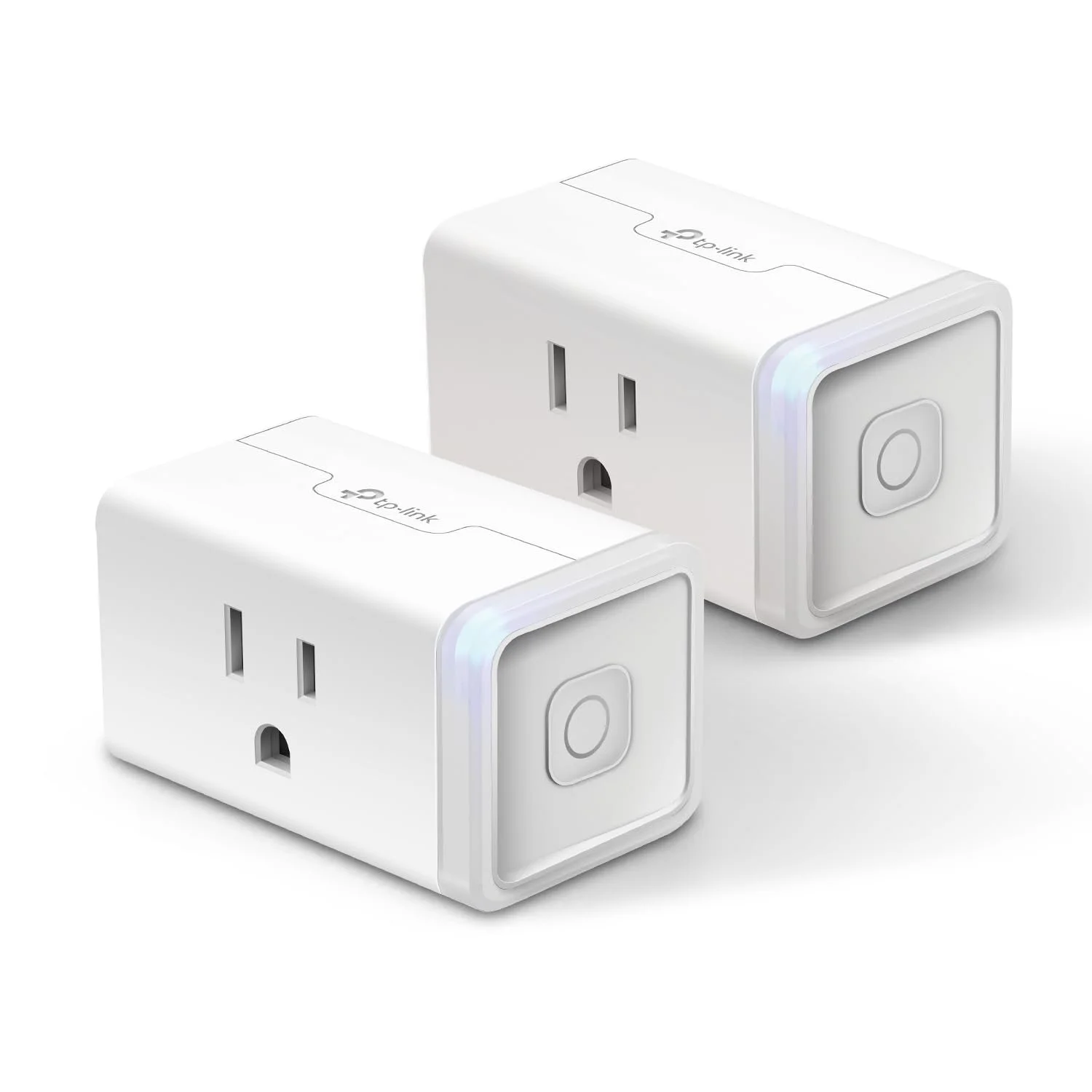
Smart plugs are cheap, simple, and solve real problems. In addition to the smart plug I have managing my basil grow lights, I also have one turning a dehumidifier on and off on a schedule.
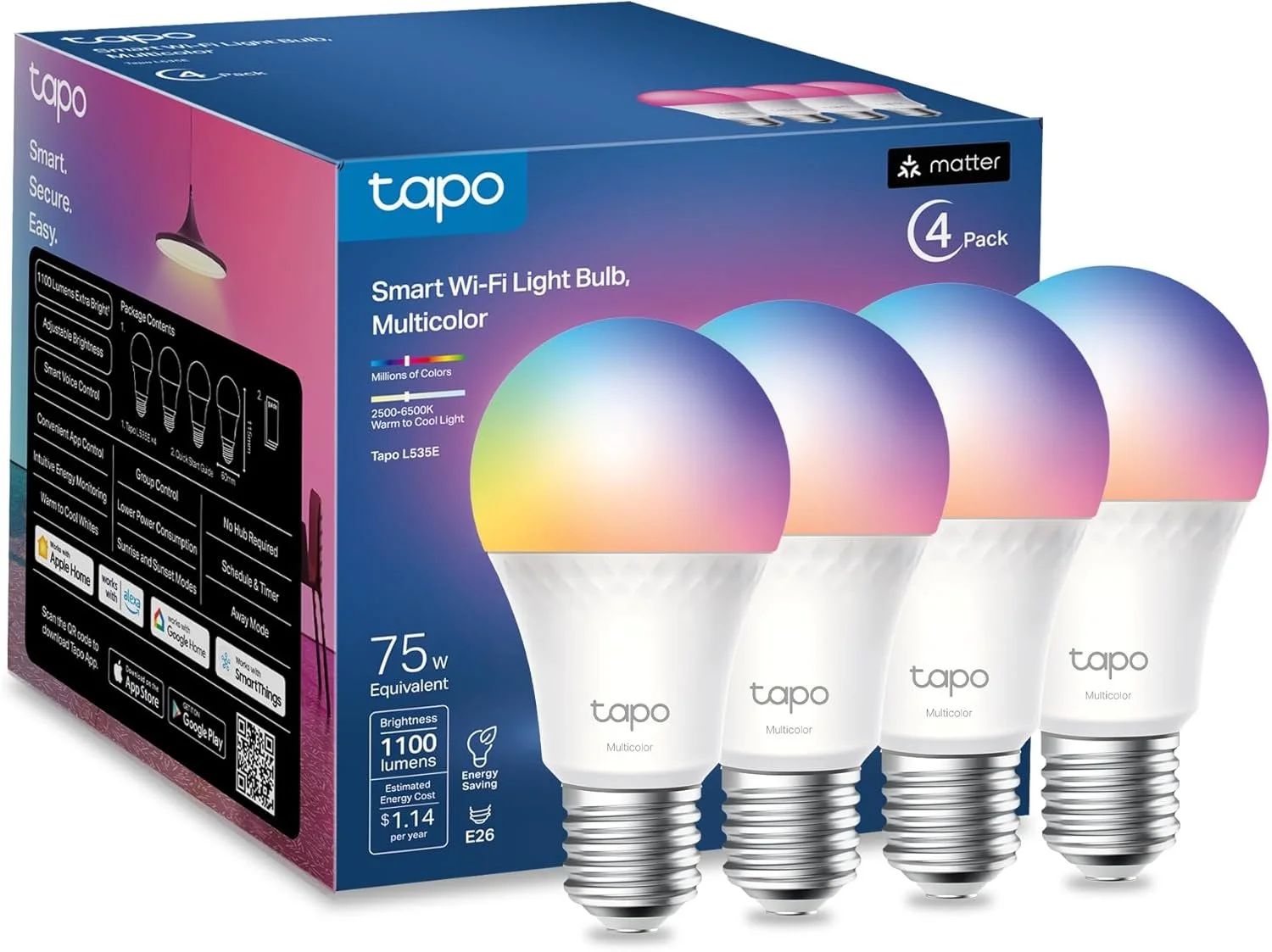
Smart light bulbs are perfect for rooms where you want automatic dimming or scheduling. They're more expensive than smart switches, but much easier to install if you're not comfortable with electrical work. Also, colors!
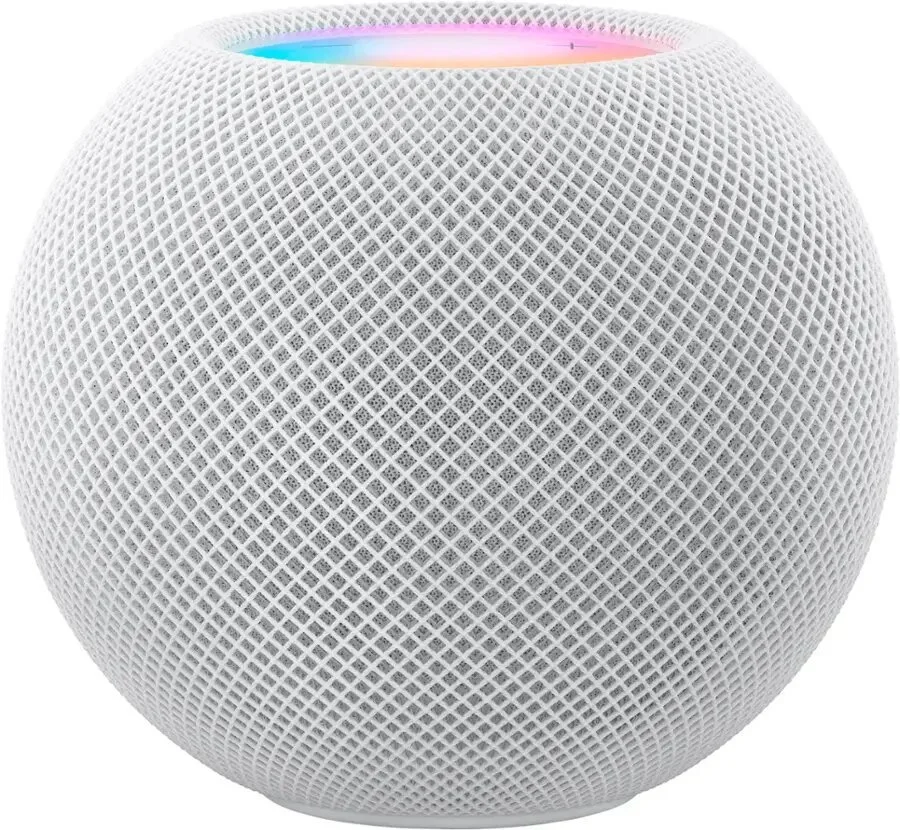
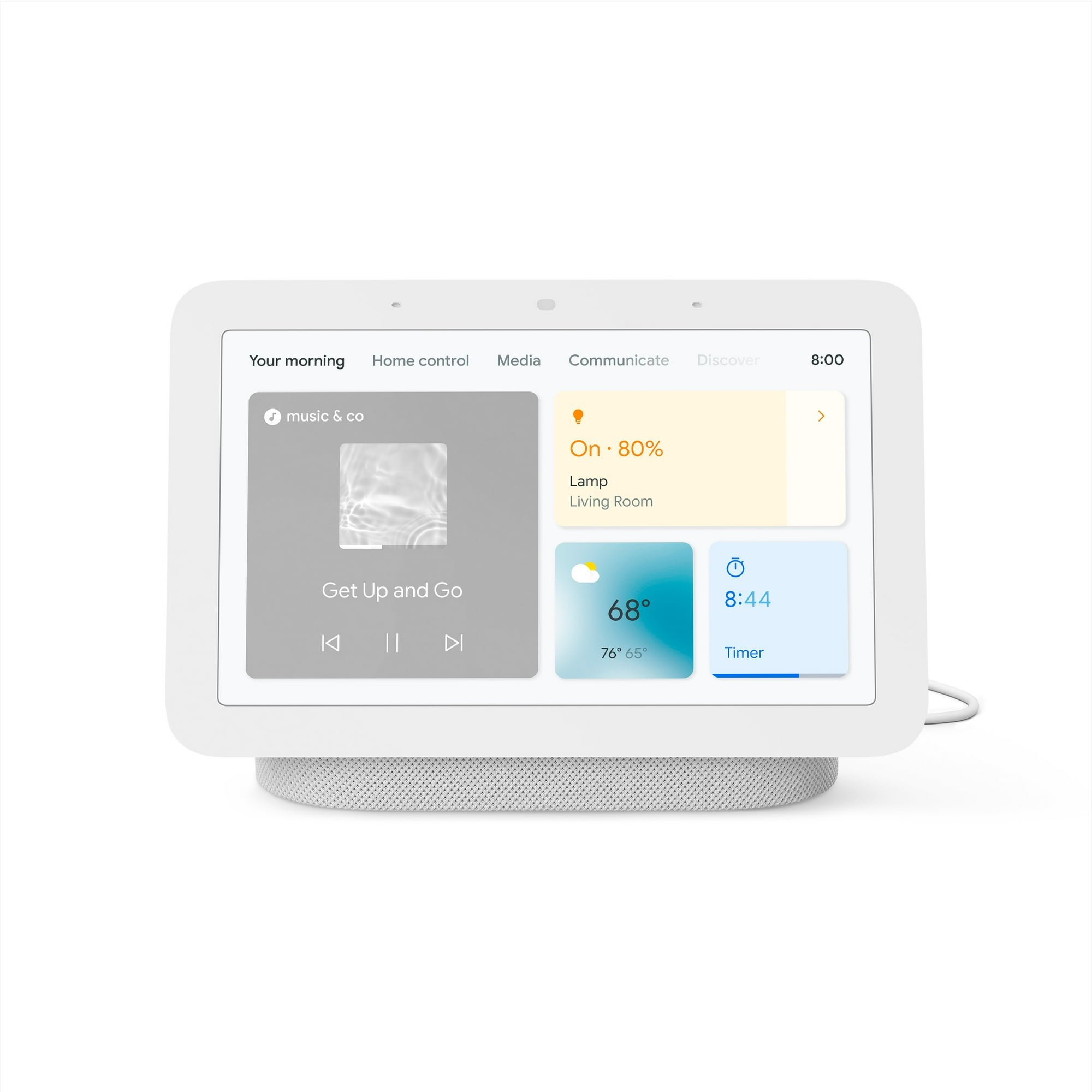
Smart speakers are the last basic “must have” of a smart-ish home. All three ecosystems require a device to act as the brain, and a smart speaker is the most basic option for this role. I set up a little widget on my phone’s home screen that if I click it starts playing my music library on the smart speaker without ever having to open an app, which is extremely nice.

What to avoid (and why)
Stay away from devices that are vendor-locked – meaning they require a specific hub or app and can't integrate with your chosen ecosystem. This creates a nightmare where you're juggling multiple apps just to turn on your lights.
Smart devices can communicate using a few different protocols (basically, the language they use to talk to each other). If you want to keep things simple, look for devices that say "Wi-Fi enabled" or “2.4GHz Wi-Fi.” Your typical home router can handle 25 or more smart devices without network congestion issues, and that's honestly a lot of smart devices.
Most smart home sensors (motion sensors, temperature sensors, etc.) use a low-frequency radio signal to communicate with each other that requires some extra hardware, and you can get in the weeds FAST trying to figure out which devices are compatible. For a barely-smart home, stick with your basic devices that are out-of-the-box compatible with your ecosystem, and avoid anything that says “requires XYZ proprietary hub.”
There’s a newer communication protocol called Matter that was designed to solve compatibility issues by creating a universal standard that works across all ecosystems, but we're still in early adoption phase. Don't assume "Matter certified" guarantees it'll work perfectly with your setup just yet.
Two essential tips before you buy anything
Double-check compatibility through multiple sources before purchasing anything. It's worth spending five extra minutes researching rather than being stuck with a device that doesn't play nicely with your ecosystem.
Set up a guest network for your smart devices. Most ISPs make this easy, and it's important for security. When smart device firmware has security vulnerabilities (and they occasionally do), having them on a separate network prevents potential access to your main devices. It's not likely someone will hack your computer through your smart light bulb, but it's an easy precaution that costs nothing. When you're setting up a new device, just make sure your phone is connected to the guest network during the setup process.
The bottom line
Start with one annoying problem – maybe you forget to turn off certain lights, or you want your coffee ready when you wake up. Solve that problem with the simplest device possible, then go from there.
You might discover, like I did, that a handful of well-chosen smart devices can quietly handle life's little annoyances without turning your home into a complicated tech project. The goal isn't to automate everything – it's to automate the right things and then forget about them entirely.